Step 1 (Continued): Start Notepad und DOS
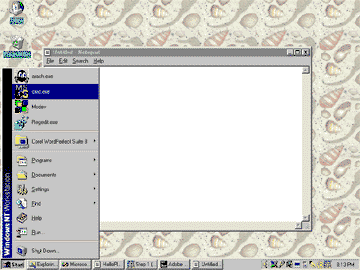
(Note: here is where NT und Windows 95 are different. In Windows 95, the DOS Fenster fills the screen und there is no convenient way to get out of it. If your are using Windows 95 do not start DOS here.) Here is what it looks like when I start the DOS Fenster on my computer:
After DOS has started, you will see something like below.
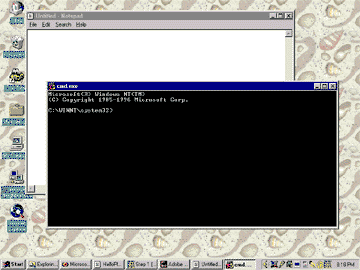
Both Notepad und DOS are running, each in their own window. This is the situation that these Java notes assume that you will always have for creating und running Java Programms. If you are using some other environment (such as Symantec Café) you should be able to do about the same thing.
